
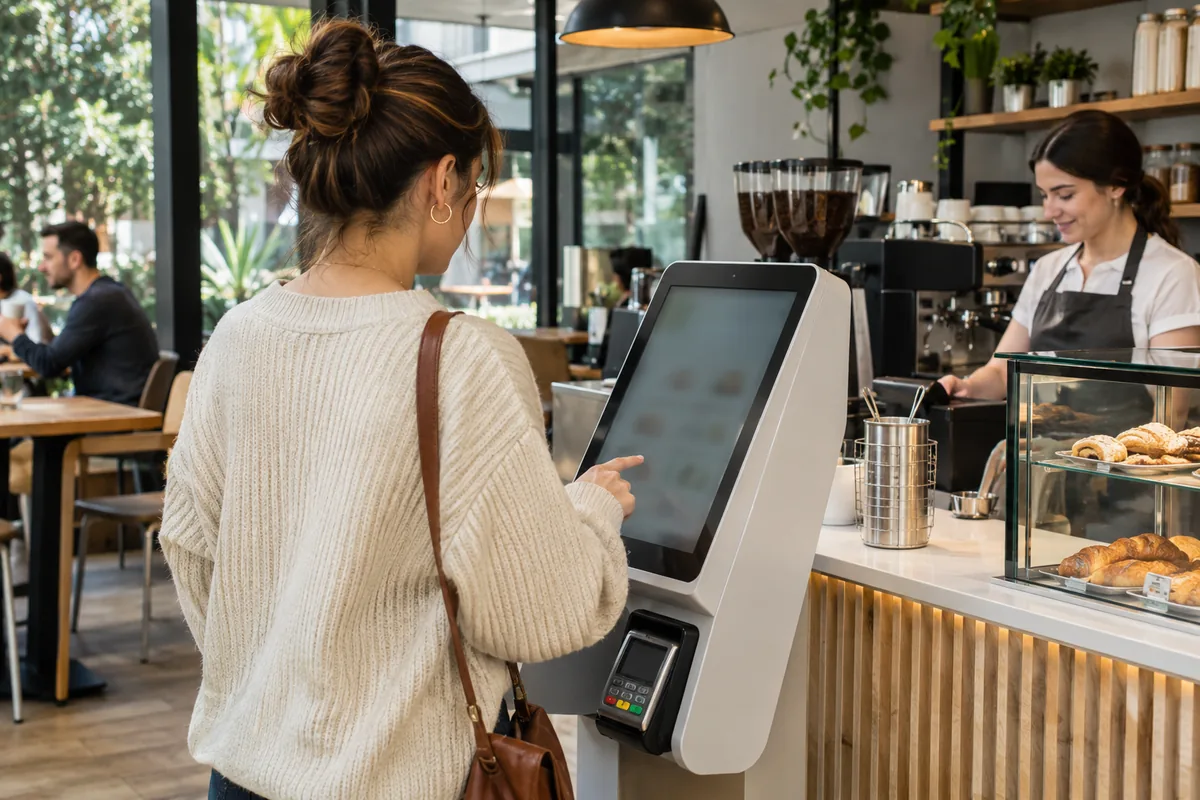
Which customer task is the kiosk meant to improve?
A kiosk changes where an order is entered; it does not automatically remove the work of greeting customers, answering questions, preparing food, or resolving exceptions. Begin with the task you want to improve, such as browsing options without holding a staffed queue. Observe where customers currently hesitate. A screen added beside a slow handoff may create another way to join the same unresolved bottleneck.
Map the journey from arrival through ordering, payment, preparation, and pickup. Identify which steps remain staffed and who helps a customer who gets stuck. The quick-service overview provides a useful starting point. Judge the proposed kiosk against that complete journey rather than assuming that fewer interactions at the register necessarily mean a smoother or faster visit for everyone.
Can a first-time customer place the intended order?
Ask someone unfamiliar with your menu to complete a routine purchase and a common variation. Watch without explaining the interface unless assistance becomes necessary. Check whether required choices are clear, whether the customer can review the basket, and how they correct a mistake. Use the actual menu, not a short demonstration catalog that avoids the options most likely to confuse a guest.
Consider readable text, clear controls, physical reach, and a practical staffed alternative for customers who cannot comfortably use the kiosk. Do not claim accessibility compliance merely because the screen is large or the interface looks simple. The modifier-menu guide offers a related test for required choices, substitutions, and unavailable combinations. The kiosk needs understandable language, not a direct copy of an employee's abbreviated register buttons.
What happens after the customer pays?
The customer needs a clear confirmation and a way to recognize the order at pickup. Staff need to know that the order reached the right preparation point and whether payment has completed. Demonstrate a missing receipt, a customer leaving before the final confirmation, and an order that needs a correction. Identify who is authorized to resolve each case without starting a duplicate order.
A kiosk can accept work faster than the kitchen can finish it, so check how the operation handles a busy period and unavailable items. Do not judge success only by the number of screens taking orders. The pickup handoff guide helps connect the initial order reference with the finished package. The handoff should remain understandable even when customers use different ordering methods in the same queue.
How should an owner decide whether it helps?
Run a limited trial and observe abandoned attempts, assistance requests, corrections, and the flow at pickup. Include staff time spent helping at the kiosk, not just time saved at the register. Ask employees what work moved elsewhere and what became harder to explain. Compare similar service periods rather than treating one quiet demonstration as evidence of how the arrangement will perform during a rush.
Keep a clear operating plan for outages, supported payment alternatives, cleaning, and customer assistance. A kiosk may complement a cashier or change responsibilities; staffing decisions need evidence from your own operation. Use the POS buyer's guide to confirm the supported hardware, integrations, setup, and ongoing responsibilities before committing. Treat the device as one service option, not a promise that every guest will prefer self-service.